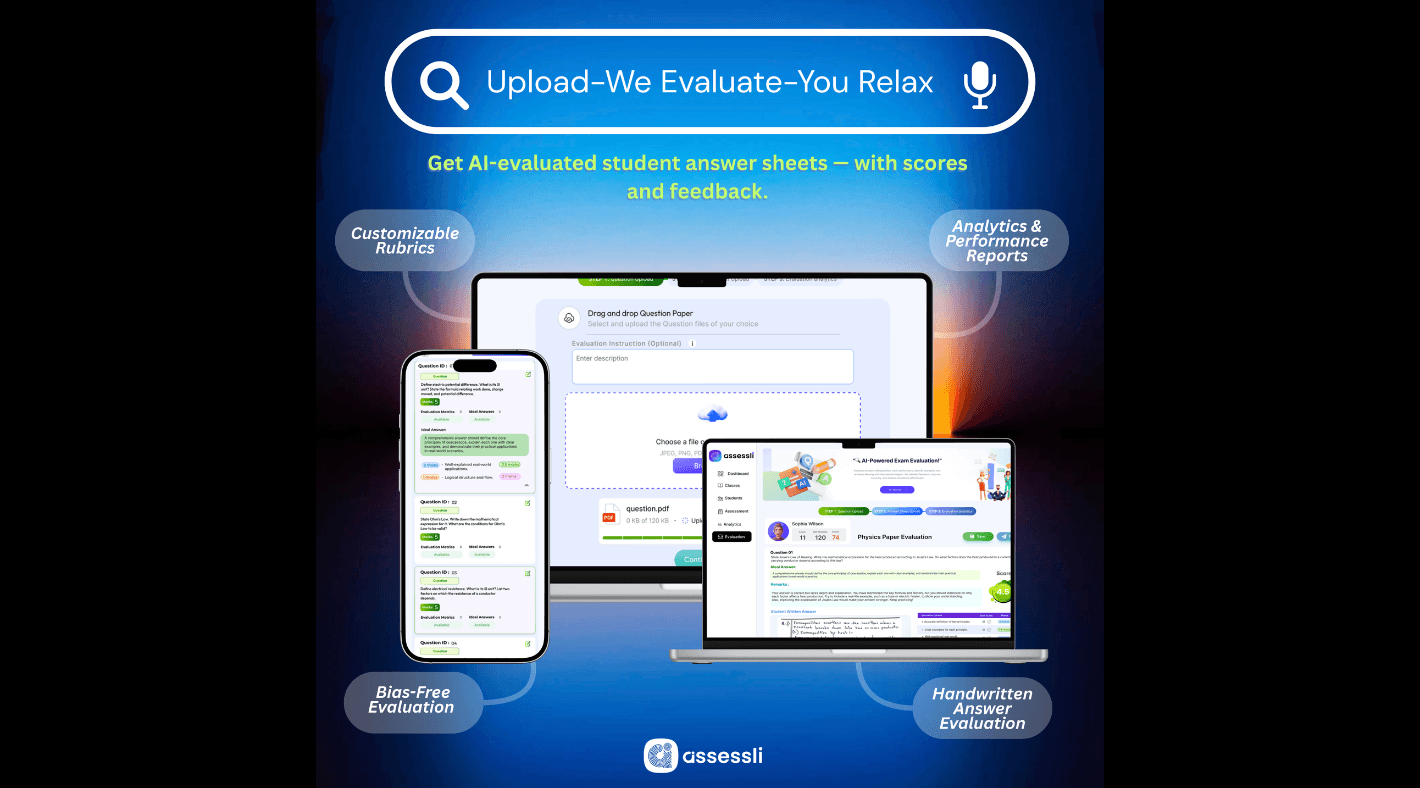
With just three simple steps, you can upload question papers, upload student answer sheets, and let AI handle the rest.
Step 1: Upload Your Question Paper
Start by uploading your question paper in PDF format. Make sure it includes:
- Subject name
- Class or grade
- Questions with their marks distribution
You can also add the ideal answers for each question (optional, but it helps AI provide more precise evaluations).
Need a guide? Just click "View Sample Template" inside the tool.
Step 2: Upload Student Answer Sheets
Next, upload student answer sheets as individual PDFs. To ensure quick identification, the first page should show:
- Student name
- Roll number
- Class or grade
Not sure about formatting? Simply tap "View Sample Template."
Step 3: Get Instant AI Evaluation
Now the magic happens. ExamEval AI reviews every answer sheet and provides:
- Answer accuracy analysis
- Detailed scoring breakdown
- Performance insights across chapters and concepts
- Comprehensive feedback for better learning outcomes
In just minutes, you'll have fair, transparent, and actionable results ready to share with students.
Why Educators Love ExamEval AI
- Saves time: Evaluate exams in minutes instead of hours.
- Fair & consistent: AI ensures unbiased scoring every time.
- Detailed analytics: Beyond marks, get insights into student strengths and weaknesses.
- Feedback-driven: Helps students understand mistakes and improve.
- Scalable: Works for small classes and large institutions alike.
Smarter Evaluation Starts Here
That's it — just three simple steps: Upload. Upload. Evaluate. With ExamEval AI, you get faster grading, deeper insights, and fairer results.